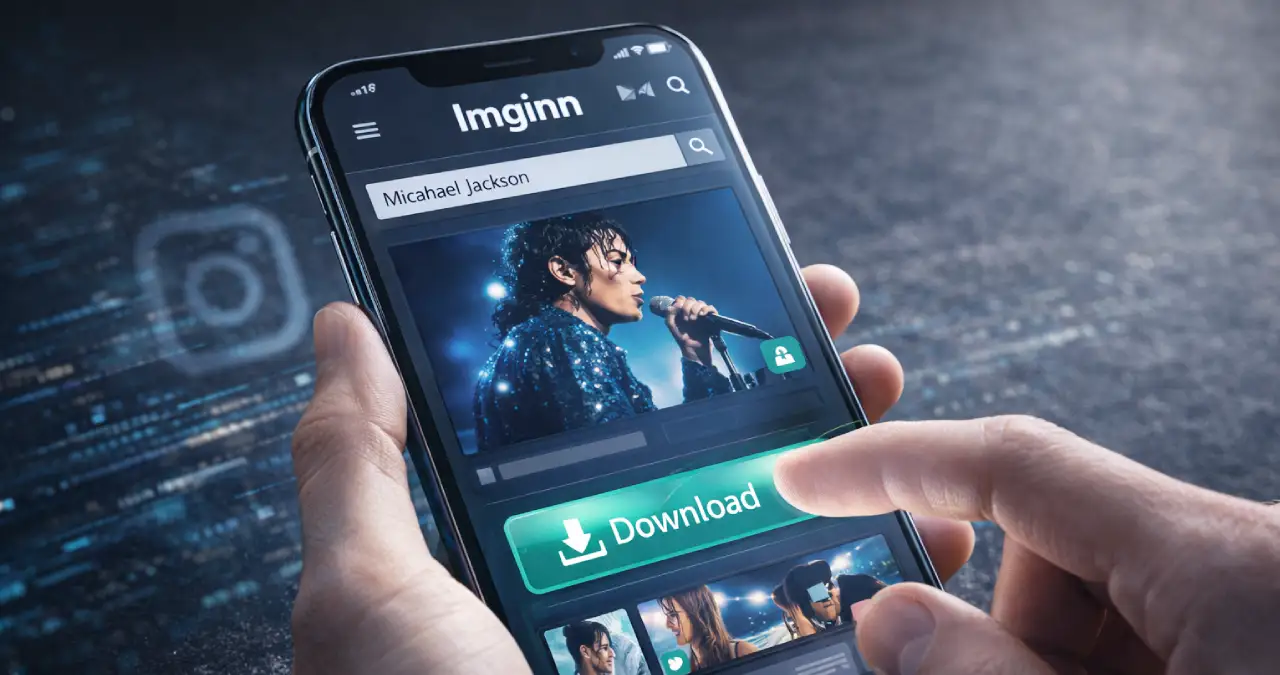
Instagram is a free social media app, popular because of sharing photos and short videos with worldwide users. How people communicate with other people, and share photos, videos, and special moments with others. But when it’s time to switch to another platform like WhatsApp or Facebook, it’s not possible to download any content. So, what to do next? Here you go.
Imginn is such a truly useful tool that not only allows users to view Instagram photos, videos, and stories, but also download them without logging in or front with any hassle. Sounds good? Then what’s waiting for? Let’s have a detailed look at how we can easily view and download them with simple step-by-step instructions.
Table of Contents
What is Imginn?
Imginn is a free web-based tool that offers anonymous viewing and downloading of Instagram content. Users don’t need to log in, register, or install the app to take advantage of Imginn.
Users can browse public profiles, stories, reels, photos, and videos without notifying account owners. The downloads come from high-quality, full-sized content.
Imginn also offers a remove account option that wipes it from its site.
How to Download Content with Imginn – 8 Simple Steps
Imginn has a simple downloading process. Here is a step-by-step guide:
Step 1: Open a browser. Search this – https://imginn.com/. You can see the homepage like this:
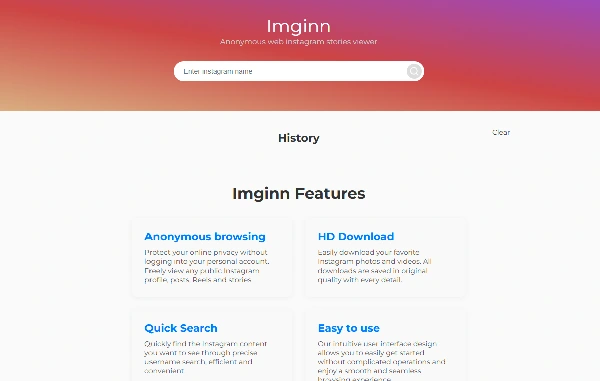
Step 2: You may see “view a short ad” on your homepage.
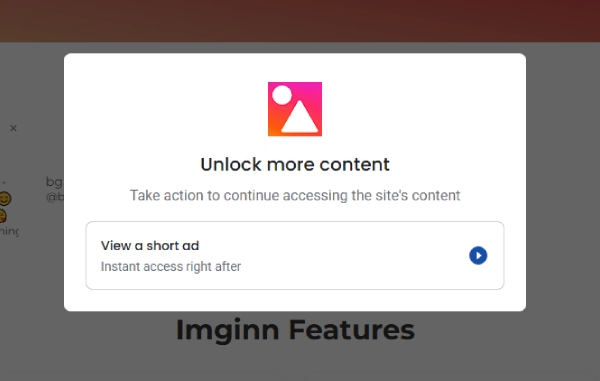
Step 3: Click on the advertisement campaign and watch a 30-second video. After watching the video, click on the cross mark (X) in the upper corner.
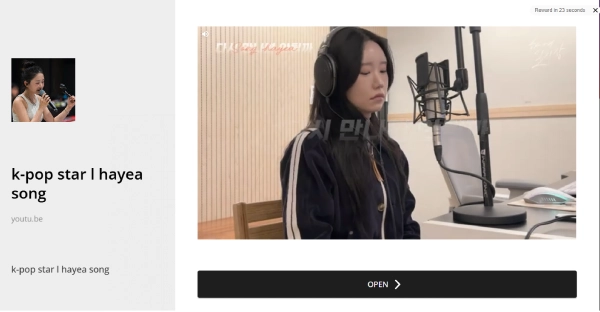
Step 4: You can’t skip the ad; there is a term phrase that shows like that:
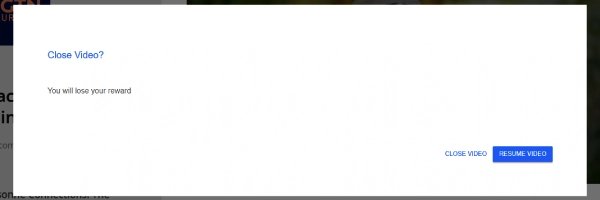
Step 5: After ending the ad, add the profile or hashtag in the search bar. Here I’m searching for “Michael Jackson”.
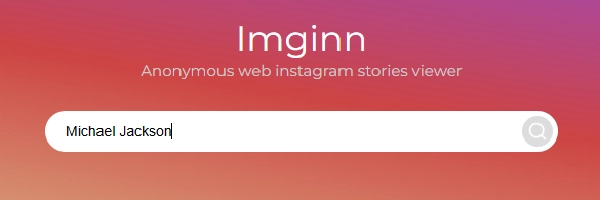
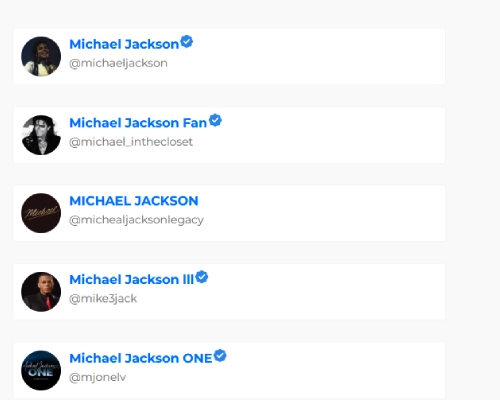
Step 6: Now simply press Enter and go to the official site. Choose the top one.
Step 7: You can see I’ve reached the official homepage of the legendary singer “Michael Jackson” account.
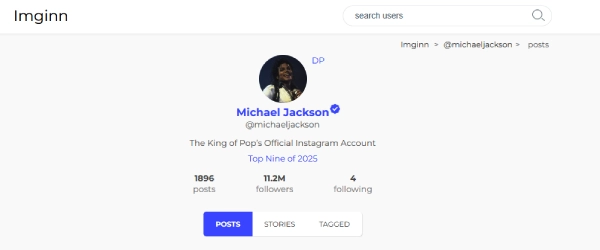
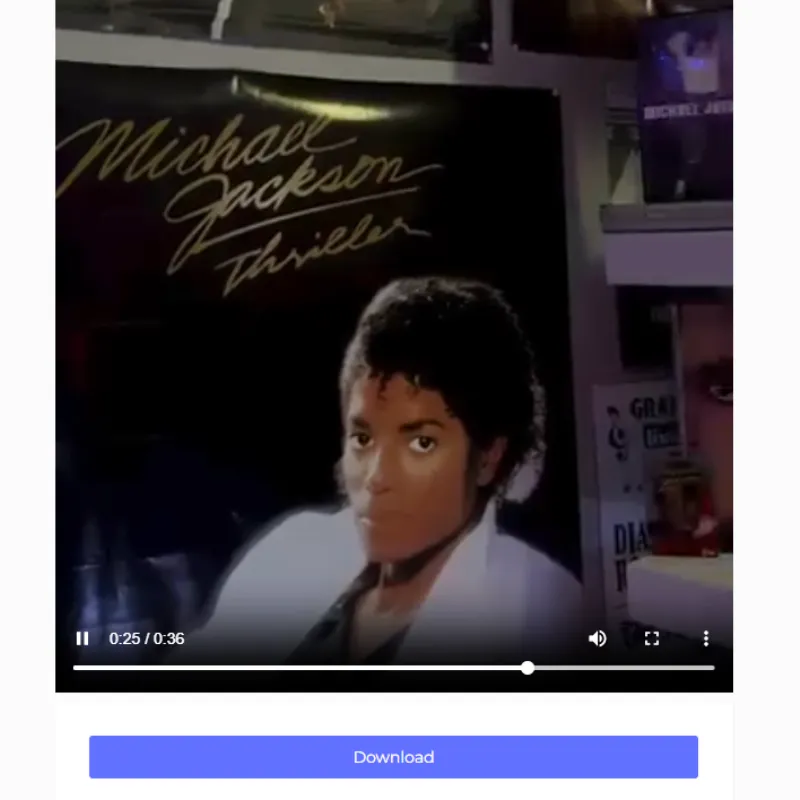
Step 8: Now, click on any video or image, and below, you can see the “Download” option. Simply click into this. And you have successfully downloaded your favorite content from Imginn.
Want to explore more about Imginn? Learn more in the next paragraph:
Why Should You Choose Imginn?
There are many platforms available on the internet for viewing and downloading content from Instagram. But Imginn’s simple, standout features capture viewers’ eyes. What specialty grabs everyone’s attention? Let’s see:
- Imginn is easy to use compared to other tools.
- Beginner-friendly tool; first-time users can easily understand how to search and download content.
- Viewers do not need to sign up or log in.
- Viewers view public Instagram profiles quickly.
- You can browse photos, videos, and stories in one place.
- Imginn works on both mobile and desktop devices.
- Imginn is helpful for users who want simple and fast access.
- If there is a public profile, viewers can also access stories.
Pros & Cons
So viewers, if you have already picked Imginn for your next move, then see its benefits and some drawbacks also. It may help you think twice before choosing.
| Pros | Cons |
| Imginn is simple and user-friendly | You cannot view private Instagram accounts |
| No account is required | Some features may stop working at times |
| You can view public content on Instagram anonymously, meaning without the owner being notified. | It depends on Instagram’s public data |
| It loads pages quickly | There is no official support if problems occur |
| Imginn works on most devices and browsers | Ads may appear on the website |
5 Solid Alternatives
In my previous article, I shared the Top 5 Imginn alternatives, along with their key specialities, accompanied by vast and simple facts. Please visit and read.
Is Imginn Free or Cost?
Yes, Imginn is 100% free to use. You just need to watch a 30-second ad before watching and downloading content from any profile. Remember, one profile visit; you need to watch a 30-second ad. Don’t be dispirited. After 30 seconds, you can download your most adored content without any delay.
Conclusion
Imginn is a simple tool for viewing public Instagram content. It is best for users who want quick and easy access. Who finds a completely free tool to view and download their loved content from Instagram, Imginn is a good choice, which I also recommend. However, it has limited features and cannot access private accounts. Overall, it is a useful option for basic browsing needs. Stay connected with me; I will soon be back with more tips like these on other topics.
Frequently Asked Questions
Is Imginn safe to use?
Imginn is generally safe to use if you only browse public content.
Do I need an Instagram account to use Imginn?
No, any Instagram account is not required to step into the Imginn tool.
Can I view private profiles on Imginn?
No, you can not view any private profiles because of their newly launched features.
Does Imginn work on mobile phones?
Yes, it works on most smartphones and tablets. You can easily use Imginn with any login and registration.